When your computer stops working correctly, it can bring your entire day to a halt. A slow laptop can make it difficult to work or complete school assignments. A broken charging port can prevent the computer from powering on. A failed storage drive can put years of photos, documents and important business files at risk.
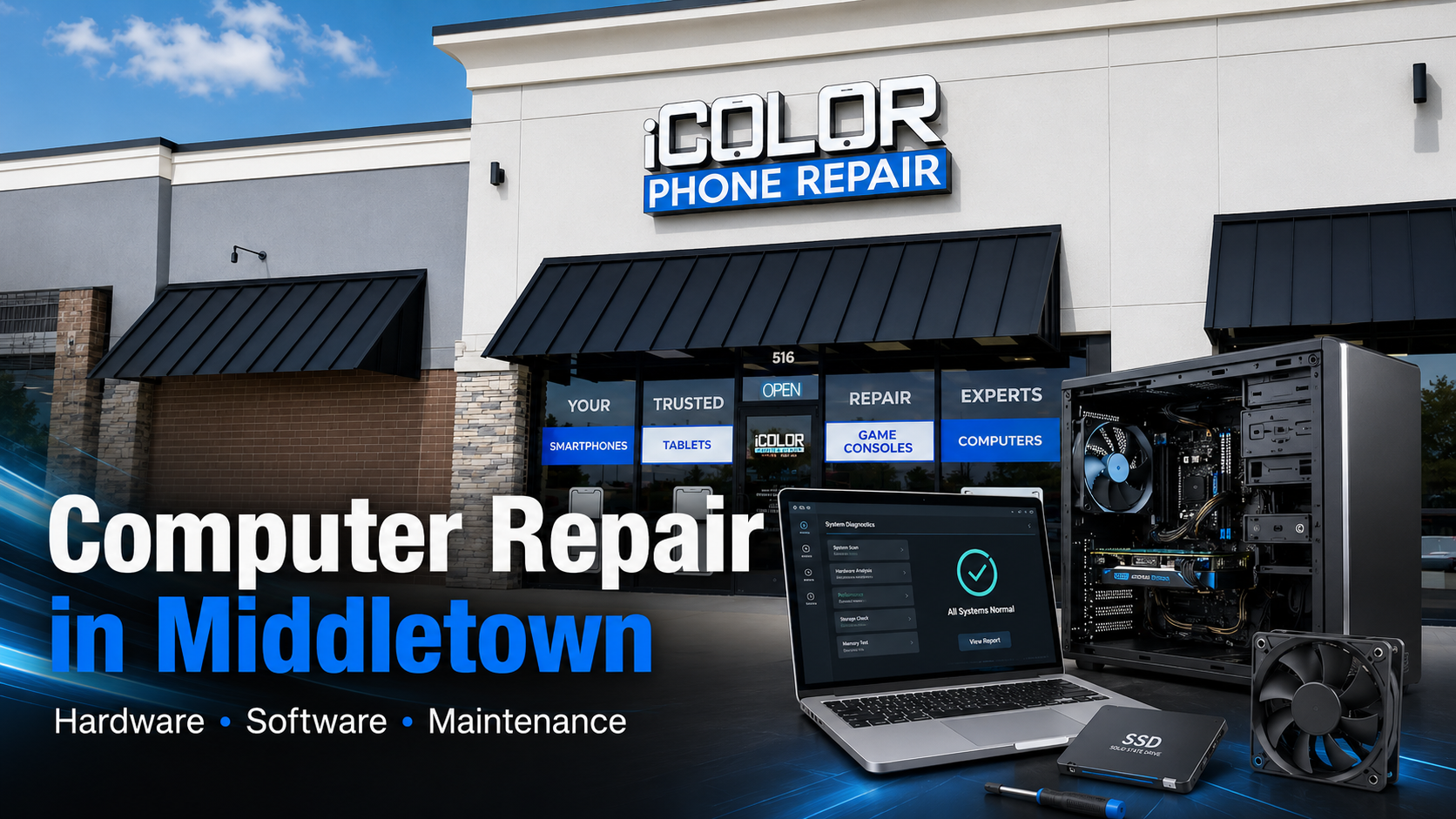
At iColor in Middletown, Delaware, we provide professional computer repair services for laptops, desktops, gaming computers and all-in-one PCs. Our technicians diagnose and repair hardware failures, software problems, performance issues, overheating and many other common computer problems.
Whether your computer will not turn on, runs extremely slowly or displays an error you do not understand, iColor can help determine the cause and explain your repair options.
Professional Computer Repair in Middletown, Delaware
Computers contain many components that must work together. A problem that appears simple can have several possible causes.
For example, a computer that does not turn on could have:
A damaged charging port
A defective battery
A failed charger
A bad desktop power supply
A damaged motherboard
A faulty power button
Internal liquid damage
A failed storage drive
A corrupted operating system
Damage from a power surge or lightning storm
Proper diagnosis is one of the most important parts of computer repair. Replacing parts without confirming the cause can waste time and money.
At iColor Middletown, we begin by examining the computer and identifying the source of the problem. Once we understand what is wrong, we can explain the available repair options and help you decide whether repairing the computer makes sense.
Laptop and Desktop Computer Repair
Our Middletown computer repair services cover a wide range of laptop and desktop problems. We work on computers used for business, school, gaming, remote work and everyday personal use.
We commonly service computers from manufacturers such as:
The available repair options depend on the computer model, the type of damage and the availability of compatible replacement parts.
Computer Hardware Repair Services
Computer hardware includes the physical components inside and outside the device. When one of these parts fails, the computer may stop turning on, overheat, shut down unexpectedly or lose important functionality.
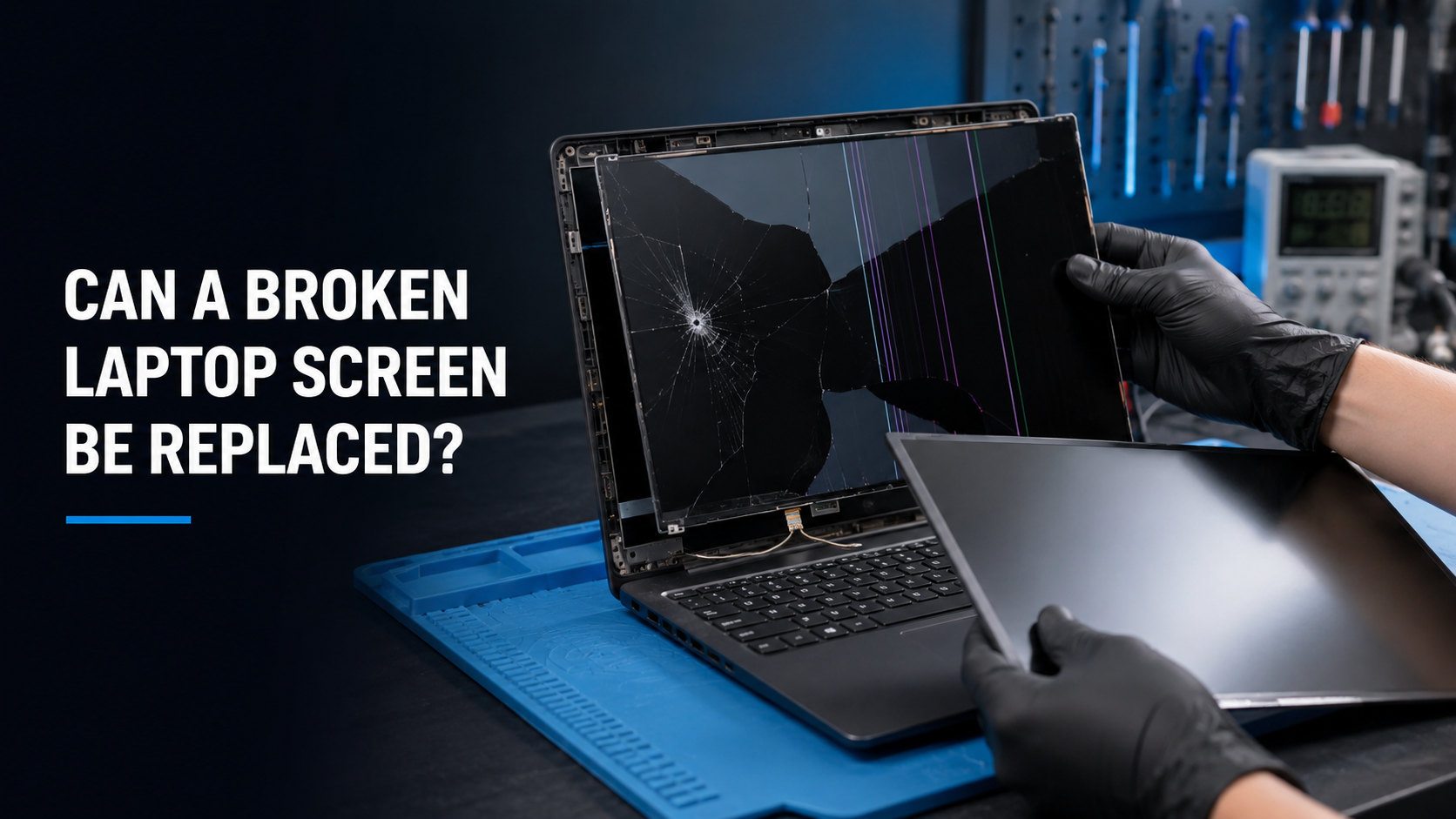
Laptop Screen Replacement
A cracked or damaged laptop screen can make a computer difficult or impossible to use.
Laptop screen problems may include:
Cracked LCD panels
Black spots or ink-like marks
Vertical or horizontal lines
Flickering
Dim or uneven lighting
A completely blank display
Distorted colors
A damaged touchscreen
Screen problems related to a broken hinge
A laptop may still be running even when the display appears completely black. You might hear the fan, see the keyboard light up or hear Windows starting.
Our technicians can inspect the computer to determine whether the problem is caused by the screen, display cable, graphics system, motherboard or another internal component.
Laptop Charging-Port Repair
A damaged charging port is one of the most common laptop problems. Repeatedly connecting and disconnecting the charger can eventually wear out the port or loosen its internal connection.
Signs of a charging-port problem include:
The charger must be positioned at a certain angle
The charging connection feels loose
The laptop charges intermittently
The charging light flashes on and off
The computer does not recognize the charger
The battery does not charge
The laptop shuts off when the charger moves
The charging port becomes unusually hot
Depending on the laptop, the charging port may be replaceable as an individual part. Some ports are soldered to the motherboard and require a more advanced repair.
Laptop Battery Replacement
Laptop batteries gradually lose capacity as they age. A battery that once lasted several hours may eventually last only a few minutes.
Your laptop may need a new battery if:
The battery drains unusually quickly
The computer shuts down before reaching zero percent
The laptop works only when connected to its charger
Windows recommends replacing the battery
The battery will not charge past a certain percentage
The trackpad or bottom cover begins lifting
The battery appears swollen
A swollen battery should be addressed as soon as possible. Swelling can place pressure on the trackpad, keyboard, screen and other internal components. It can also create a safety risk.
Do not puncture, squeeze or continue charging a visibly swollen battery.
Keyboard and Trackpad Repair
Liquid exposure, worn internal connections and physical damage can cause a laptop keyboard or trackpad to stop working properly.
We can diagnose problems such as:
Keys that do not respond
Keys that type multiple characters
Sticky or damaged keys
A keyboard that does not work at all
An unresponsive trackpad
Erratic cursor movement
Trackpad buttons that no longer click
A trackpad lifted by a swollen battery
Some laptop keyboards can be replaced individually. On other models, the keyboard is built into the palm-rest assembly and requires replacement of a larger component.
Broken Laptop Hinges and Housing Damage
Laptop hinges experience stress every time the computer is opened and closed. If a hinge becomes tight or its mounting points weaken, it can separate from the computer’s housing.
Continuing to use a laptop with a damaged hinge can affect:
The display panel
The screen cable
Wi-Fi antenna cables
The back cover
The palm rest
The motherboard
Webcam wiring
Having the computer inspected early may prevent a smaller hinge problem from turning into a more expensive screen or housing repair.
Computer Fan Replacement and Overheating Repair
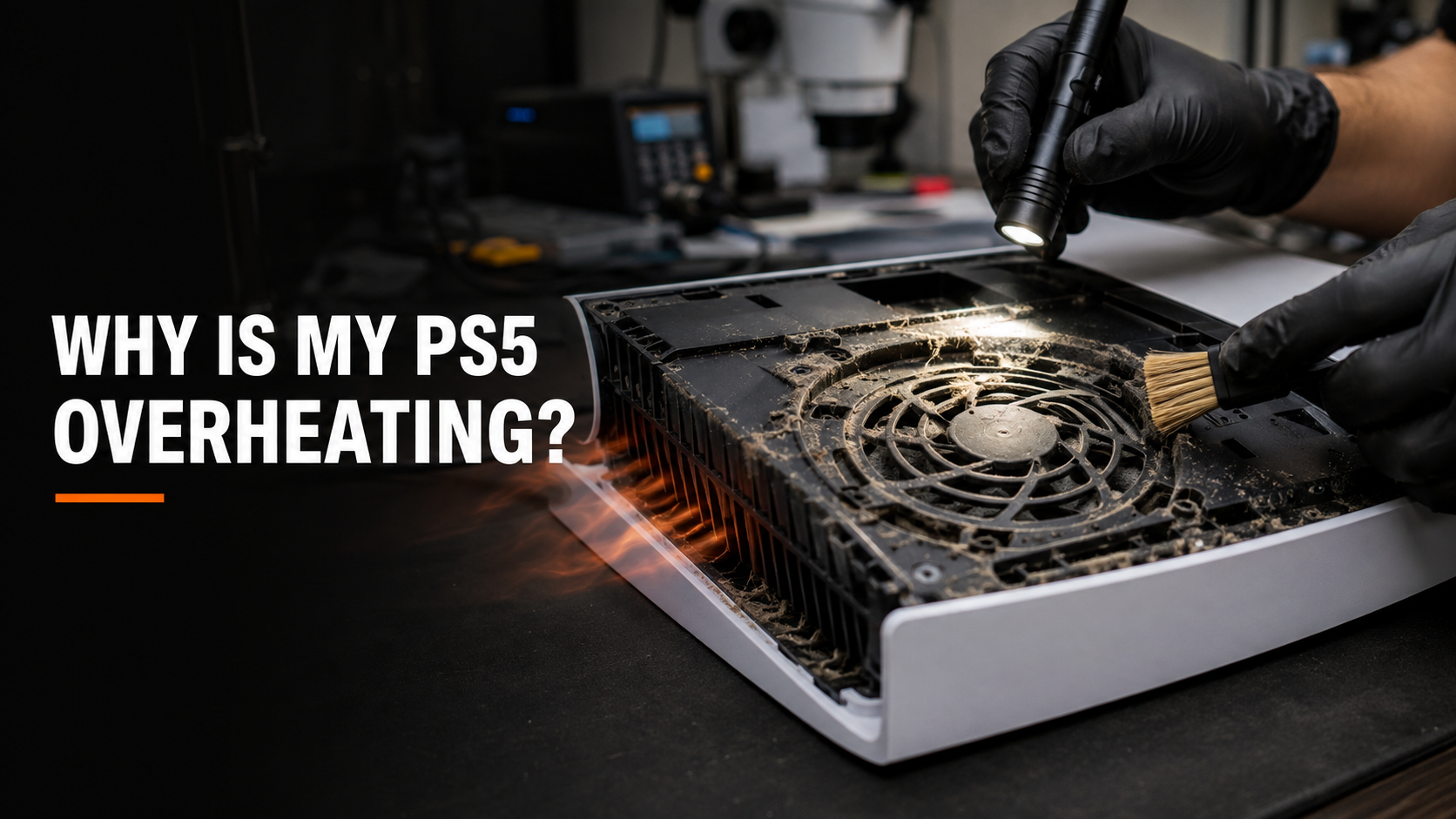
Computers generate heat during normal use. Cooling fans and heat sinks move that heat away from important components such as the processor and graphics card.
Over time, dust, pet hair and debris can restrict airflow. Fans can also wear out, and thermal compound can lose effectiveness.
Signs of an overheating computer include:
Fans running loudly
The computer becoming extremely hot
Slow performance during demanding tasks
Unexpected shutdowns
Freezing or crashing
Reduced gaming performance
Overheating warnings
The computer restarting without explanation
Our maintenance services can include internal cleaning, fan inspection, vent cleaning and replacement of failed cooling components when necessary.
Hard-Drive and Solid-State Drive Replacement
The storage drive holds the operating system, programs and personal files. Older computers often use mechanical hard drives, while many newer systems use faster solid-state drives.
A failing storage drive can cause:
Very slow startup
Clicking or grinding noises
Missing or corrupted files
Frequent freezing
Blue-screen errors
Automatic repair loops
“No boot device” messages
Failure to load Windows
Complete data loss
If an older computer still uses a mechanical hard drive, upgrading to a solid-state drive can often provide a noticeable performance improvement. An SSD can improve startup times, application loading and overall responsiveness.
When possible, the existing data may be transferred or cloned to the replacement drive. The ability to transfer data from a failing drive depends on its condition.
RAM Replacement and Memory Upgrades
Random-access memory, commonly called RAM, allows a computer to operate programs and handle multiple tasks simultaneously.
A computer with insufficient memory may slow down when several programs or browser tabs are open. Defective memory can also cause:
Depending on the computer, we may be able to replace or upgrade its RAM. Some modern laptops have memory permanently attached to the motherboard, so upgrade options vary by model.
Desktop Power-Supply Replacement
A desktop computer that will not turn on may have a failed power supply. The power supply converts electricity from the wall outlet into the voltages needed by the computer’s internal components.
Signs of a possible power-supply problem include:
No power
Random shutdowns
A burning smell
Clicking sounds
Fans starting and immediately stopping
Instability during gaming
The computer restarting under heavy workloads
A failed power supply can sometimes affect other components. The system should be properly tested before a replacement is installed.
Motherboard and Internal Component Problems
The motherboard connects nearly every part of the computer. Motherboard problems can be caused by liquid exposure, electrical damage, overheating, damaged ports or failed electronic components.
Possible symptoms include:
No power
No display
Failure to charge
USB ports not working
The computer turning on and immediately shutting off
Intermittent startup
Failure to detect the storage drive
Random freezing
Problems following a lightning storm or power surge
Motherboard issues require careful diagnosis. In some cases, repairing the damaged area may be possible. In other situations, replacing the motherboard or focusing on data recovery may be the more practical option.
Computer Software Repair Services
Not every computer problem is caused by damaged hardware. Windows errors, corrupted system files, malware and driver problems can make a physically healthy computer nearly unusable.
Slow Computer Diagnosis
A slow computer does not always need to be replaced.
Performance problems can be caused by:
Too many startup programs
Insufficient RAM
A nearly full storage drive
A failing hard drive
Malware or unwanted software
Corrupted Windows files
Overheating
Outdated drivers
Unnecessary background services
An older mechanical hard drive
Failed or pending updates
Our technicians can evaluate the hardware and software to determine what is causing the slowdown. The solution may involve cleaning up Windows, removing unwanted programs, repairing the operating system or upgrading the hardware.
Virus and Malware Removal
Malicious and unwanted software can compromise your privacy, display constant advertisements and make a computer difficult to use.
Warning signs may include:
Unexpected pop-ups
Browser redirects
Fake security alerts
Programs you do not recognize
A changed homepage
Excessive advertisements
Extremely slow performance
Disabled security software
Suspicious login activity
Files that suddenly become inaccessible
We can inspect the computer, remove identified threats and address related software problems. We can also help install updates and review basic security practices to reduce the chance of another infection.
If you believe your passwords or financial information may have been exposed, change important passwords from a separate trusted device. Contact your bank or credit-card company immediately if you notice unauthorized activity.
Windows Repair and Operating-System Problems
Windows can become damaged after an interrupted update, storage-drive failure, improper shutdown or software conflict.
We troubleshoot Windows problems such as:
The correct solution depends on the condition of Windows and the storage drive. Some computers can be repaired without removing personal files. More severe corruption may require reinstalling the operating system.
If the computer contains important data, let our technicians know before approving an operating-system reinstall or storage-drive replacement.
Windows Installation and Computer Setup
A fresh Windows installation may be necessary when an operating system is severely corrupted or when a new storage drive is installed.
Computer setup services may include:
Installing a compatible version of Windows
Installing available drivers
Completing system updates
Configuring basic settings
Installing common applications
Creating or configuring a user account
Restoring available customer data
Software licensing requirements vary. We will explain what is needed for the specific computer.
Driver and Device Problems
Drivers allow Windows to communicate with components such as the Wi-Fi adapter, graphics card, printer, audio system and Bluetooth hardware.
A missing, outdated or corrupted driver can cause:
No Wi-Fi
No sound
Bluetooth not working
Incorrect screen resolution
Poor graphics performance
USB devices not being recognized
Printer connection problems
Webcam or microphone issues
Our technicians can determine whether the problem is caused by software, a missing driver or a failed physical component.
Password and User-Profile Problems
Computer users can become locked out because of a forgotten local password, a damaged user profile or a Microsoft account problem.
Available options depend on the account type, operating system and whether the drive is encrypted. Security protections such as BitLocker may require a recovery key before Windows or personal files can be accessed.
Encryption cannot be bypassed without the necessary recovery information. These protections are designed to prevent unauthorized access to personal data.
Program Installation and Software Setup
Installing software can become frustrating when programs produce errors, require additional updates or conflict with an existing installation.
We can assist with many common setup needs, including:
Installing customer-provided software
Configuring web browsers
Installing printers and scanners
Setting up email applications
Installing productivity programs
Resolving application errors
Removing unwanted programs
Updating compatible software
Customers must provide any required licenses, subscriptions or login credentials for paid services and applications.
Computer Data Recovery and Data Transfer
Photos, tax records, business documents and school projects may be more valuable than the computer itself. When a computer fails, recovering those files can become the highest priority.
iColor Middletown can evaluate computers and storage devices for possible data-recovery options. We may also be able to transfer files from an old computer to a new one.
Data services may include:
Transferring files between computers
Recovering data from a computer that no longer starts
Copying files from a removed storage drive
Transferring user folders to a replacement drive
Recovering files following certain Windows failures
Evaluating failing hard drives and SSDs
Migrating data during an SSD upgrade
No data-recovery company can guarantee that every file will be recoverable. Results depend on the type and severity of the failure.
If a hard drive is clicking, repeatedly disconnecting or producing serious errors, stop using it. Repeatedly powering on a failing drive can sometimes make the damage worse.
Preventive Computer Maintenance
You do not have to wait for your computer to fail before bringing it to iColor. Preventive maintenance can improve reliability and help identify developing problems before they cause a major interruption.
Internal Dust Cleaning
Dust restricts airflow and holds heat inside a computer. This is especially common in gaming desktops, computers kept near the floor and homes with pets.
An internal cleaning can remove buildup from:
Cooling fans
Heat sinks
Air vents
Power supplies
Graphics cards
Desktop cases
Laptop cooling systems
Internal cleaning must be completed carefully. Household vacuums, excessive compressed air and improper cleaning products can damage delicate electronic components.
Cooling-System Maintenance
A computer’s cooling system should keep the processor and graphics components within safe operating temperatures.
Depending on the computer and its condition, cooling maintenance may include cleaning the cooling assembly, inspecting the fans and replacing deteriorated thermal materials.
Cooling maintenance can be especially helpful for:
Software Cleanup and Optimization
Computers can gradually accumulate unnecessary programs, excessive startup items and temporary files.
Software maintenance may include:
Reviewing startup programs
Removing unwanted applications
Installing operating-system updates
Checking available storage space
Reviewing security software
Addressing recurring error messages
Checking general system health
Identifying software using excessive resources
Optimization cannot make outdated hardware perform like a completely new computer. However, it can resolve unnecessary slowdowns and help determine whether a hardware upgrade would be worthwhile.
Storage-Drive Health Checks
A storage drive can begin developing problems before it fails completely. Warning signs should not be ignored, especially when important files are involved.
If testing indicates that a drive is deteriorating, replacing it early may provide an opportunity to transfer the data before the computer becomes unusable.
Computer Backup Planning
Every important file should exist in more than one place. Hardware can fail without warning, and even professional data-recovery services cannot always retrieve lost information.
A backup plan may include:
An external storage drive
A reputable cloud-backup service
Automatic file synchronization
Multiple copies of important business documents
Periodic checks to confirm backups are working
Cloud synchronization and a complete computer backup are not necessarily the same thing. Make sure your chosen system protects the specific files you cannot afford to lose.
Gaming Computer Repair and Upgrades
Gaming computers place greater demands on processors, graphics cards, storage drives, memory and cooling systems. A computer may work normally while browsing the internet but crash or overheat when a game begins using more resources.
We can diagnose many gaming-PC problems, including:
We can also evaluate certain hardware upgrades. Compatibility is important when upgrading a gaming computer. The motherboard, power supply, cooling system and physical case must support the new component.
Liquid-Damaged Computers
Spilling water, coffee or another liquid onto a laptop can cause immediate or delayed damage. Even if the computer initially continues working, residue and corrosion may develop inside it.
If liquid is spilled on a computer:
Disconnect the charger.
Turn the computer off if it can be done safely.
Do not continue testing it.
Do not place it in rice.
Do not use a hair dryer or apply excessive heat.
Bring it in for an evaluation as soon as possible.
Repeatedly attempting to turn on a liquid-damaged computer can send electricity through contaminated areas and create additional damage.
Liquid damage is unpredictable. Repairability depends on the amount of liquid, the affected components and how much corrosion has developed.
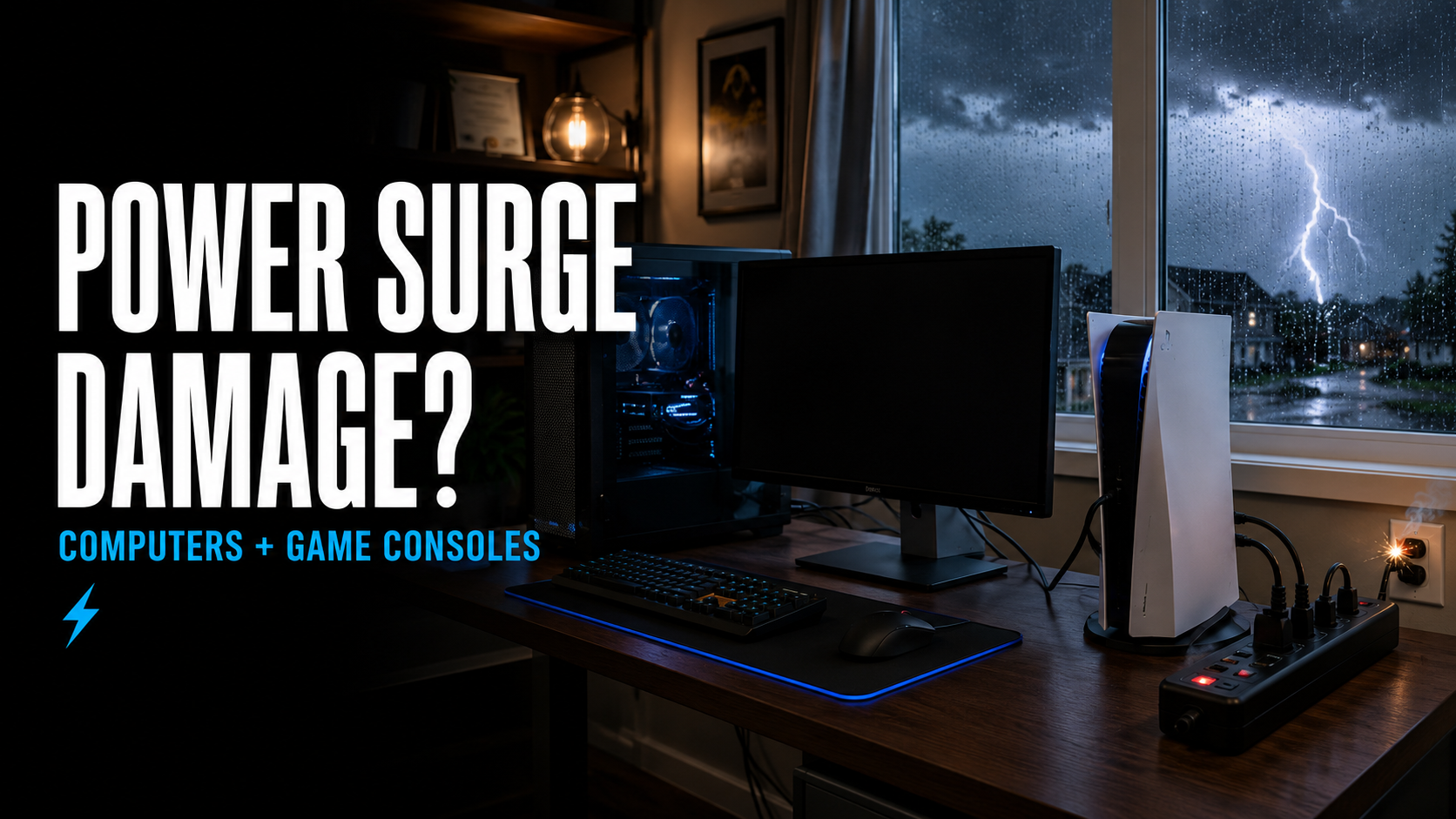
Computer Problems After a Lightning Storm or Power Surge
Power surges and nearby lightning strikes can damage computers, chargers, power supplies, networking equipment and connected accessories.
After a storm, a computer might:
Stop turning on
Power on without displaying an image
Restart unexpectedly
Lose Ethernet, Wi-Fi or USB functionality
Produce a burning smell
Stop recognizing connected devices
Display startup errors
Develop motherboard or power-supply damage
Unplug the computer if you notice smoke, sparks, a burning odor or unusual heat. Do not continue attempting to turn it on.
Surge protectors can reduce risk, but they cannot make electronic equipment immune to every electrical event. A battery-backup system may provide additional protection and allow time for a desktop computer to shut down safely during an outage.
Should You Repair or Replace Your Computer?
Customers often ask whether repairing an older computer is worthwhile. The answer depends on more than the computer’s age.
Important factors include:
The cost of the repair
The condition of the other components
The computer’s original specifications
Whether it meets your current needs
The availability of replacement parts
The importance of the stored data
The cost of a comparable replacement
Whether an upgrade could extend its useful life
A computer that feels slow because it still uses an older mechanical hard drive may perform much better after an SSD upgrade and basic maintenance.
However, a computer with extensive liquid damage and several failed components may not be economical to repair. Our goal is to identify the problem and provide enough information for you to make a practical decision.
Why Choose iColor for Computer Repair in Middletown?
iColor has served customers since 2012. Although many people first learned about us through phone and tablet repair, our technicians also handle a wide range of computer hardware and software problems.
Customers choose iColor Middletown because we offer:
Convenient local service in Middletown, Delaware
Hardware and software troubleshooting
Laptop and desktop repair
Gaming-computer diagnostics
Preventive maintenance services
Data-transfer and recovery options
Clear explanations of identified problems
Repair options based on the computer’s condition
Service for personal, school and business computers
Experience repairing many types of electronic devices
We understand how important your computer can be. It may contain family photos, business records, school assignments or the programs you depend on every day. Proper diagnosis and careful handling matter.
Computer Repair for Middletown and the Surrounding Area
Our Middletown location serves customers throughout southern New Castle County and nearby communities, including:
Whether you are a local resident, student, remote employee, gamer or small-business owner, iColor can help with many of the computer problems that interrupt your day.
What to Bring With Your Computer
When visiting iColor Middletown for computer service, bring:
The computer
Its charger or power cable
Accessories directly related to the problem
Relevant passwords needed for approved testing
A description of when the problem started
Information about recent spills, drops, updates or electrical events
Your BitLocker recovery key if the computer requests one
You do not normally need to bring unrelated accessories such as a mouse or carrying case unless they are part of the problem.
Be as specific as possible when explaining the symptoms. Let us know if the issue occurs only while charging, during gaming, after the computer becomes hot or when running a specific application. These details can help with diagnosis.
Visit iColor Middletown for Computer Repair
If your laptop or desktop is broken, slow, overheating or displaying an unfamiliar error, bring it to iColor Middletown for an evaluation.
Our Middletown store provides computer hardware repair, software troubleshooting, upgrades, preventive maintenance, data services and assistance with many other common computer problems.
iColor Middletown
516 Middletown Warwick Road
Middletown, DE
Next to Food Lion
Phone: 302-485-4422
We repair more than phones. From broken laptop screens and charging ports to Windows errors, viruses, overheating and storage-drive failures, iColor is your local destination for computer repair in Middletown, Delaware.
Contact or visit iColor Middletown to discuss your computer and the problems you are experiencing.