Phone Repair Near the University of Delaware
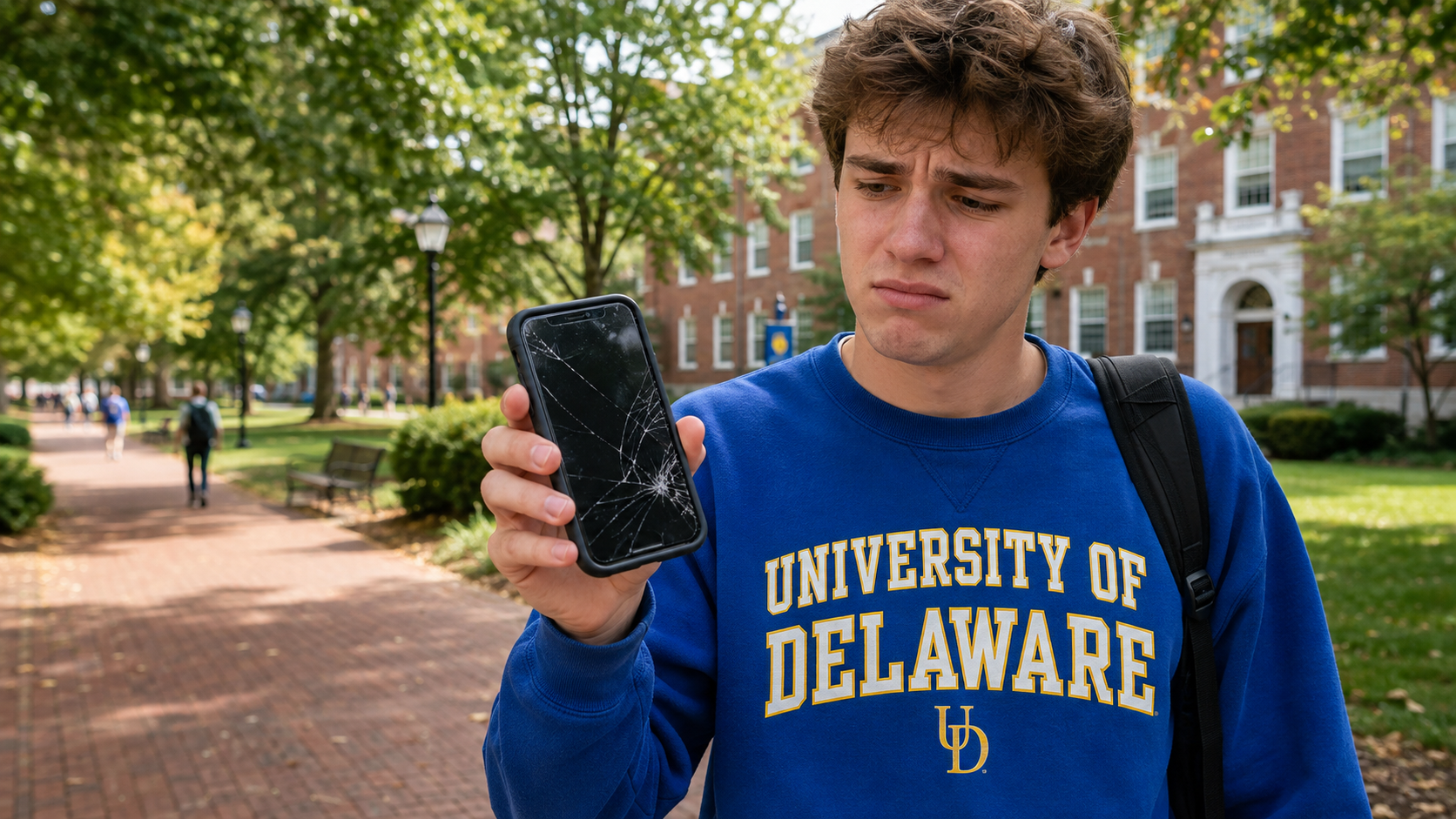
A broken phone is inconvenient at any time. For a University of Delaware student, it can interfere with class communication, transportation, banking, campus alerts, assignments and staying connected with family.
If you are searching for phone repair near the University of Delaware, iColor repairs iPhones, Samsung Galaxy phones, Google Pixel devices and other smartphones for students, parents, faculty and staff throughout northern Delaware.
Our full-service Delaware repair shops handle cracked screens, weak batteries, charging problems, liquid damage, camera issues and phones that will not turn on. Walk-ins are welcome, and appointments are available for customers who prefer to reserve a time.
Common Phone Repairs for UD Students
College life is hard on a phone. Drops around campus, crowded backpacks, long days away from a charger and accidental spills can quickly turn into a serious problem. Some of the most common repairs we perform include:
Cracked iPhone and Android screens
OLED screens with lines, black spots or no picture
Battery replacements
Charging-port cleaning and replacement
Broken back glass
Liquid-damage diagnostics
Camera and camera-lens repair
Speaker and microphone problems
Phones that will not turn on
Data recovery from damaged devices
Not every symptom requires the most expensive repair. A phone that will not charge, for example, may have compacted debris inside its port rather than a failed charging assembly. A proper inspection can identify the actual problem before parts are replaced.
How Quickly Can a Phone Be Repaired?
Many common phone repairs can be completed the same day when the correct part is available. The exact time depends on the phone model, the type of damage and whether the device has additional problems.
A routine screen or battery replacement is generally more straightforward than liquid damage or a phone with logic-board failure. If a student needs the device for class, transportation or authentication apps, let our team know when dropping it off. We will provide a realistic timeframe after examining the phone.
Should You Use Campus IT or a Repair Shop?
The University of Delaware provides Ask IT support at the Service Desk in Smith Hall. According to UD, its services include Wi-Fi setup, software support, personal-computer troubleshooting and limited computer hardware repair.
Campus IT is a useful first stop for problems involving eduroam, a UD account, class software, email or other university technology. A dedicated repair shop is the better fit when the phone has physical hardware damage such as a broken screen, worn battery, damaged charging port, liquid exposure or internal board failure.
Is a Cracked Phone Screen Safe to Keep Using?
A small crack may seem harmless, but damaged glass can worsen without warning. It can also expose the display to moisture, allow sharp fragments to loosen and place additional stress on the OLED or LCD beneath the glass.
Stop using the phone and seek help promptly if:
The screen is lifting away from the frame
Black spots, colored lines or flickering appear
The phone begins touching the screen by itself
The display becomes extremely hot
The battery appears swollen
Glass is falling out around the edges
A lifting screen can indicate a swollen battery, which should not be pressed back into place or punctured.
Why Screen Quality Matters
Phone-screen replacements are available in different quality levels. Two shops may quote very different prices because they are not offering comparable parts.
Many newer iPhones originally use OLED displays. Some low-price repairs replace that OLED with a cheaper LCD, which can reduce display quality, brightness, viewing angles and overall performance. iColor does not downgrade an OLED-equipped iPhone to a low-quality LCD simply to advertise the cheapest price.
When comparing repair quotes, ask:
Is the replacement OLED or LCD?
Is it the same display technology the phone originally used?
What warranty comes with the repair?
Will important functions be tested afterward?
Does the quoted price include parts and labor?
The lowest advertised price is not necessarily the lowest long-term cost if the first repair fails or noticeably diminishes the phone.
What to Do After Dropping Your Phone in Water
Do not put a wet phone in rice. Rice cannot remove corrosion from inside the device and can delay the professional attention it needs.
Instead:
Disconnect the charger immediately.
Turn the phone off if it is safe and responsive.
Do not repeatedly press the power button to test it.
Do not use a hair dryer, oven or external heat source.
Bring the phone in for an evaluation as soon as possible.
If the photos or other information are especially important, tell the technician that data recovery is the priority before any work begins.
Can Your Data Be Saved if the Phone Will Not Turn On?
Possibly. A phone that appears dead may have a failed battery, charging component, screen or logic-board circuit while its stored information remains intact.
Modern smartphones use strong encryption, so professional data recovery often involves repairing the original device enough to turn it on, enter the correct passcode and create a backup. Recovery is never guaranteed, particularly when the board or storage hardware is severely damaged, but no power does not automatically mean no data.
Do not erase or restore the phone if it contains the only copy of important photos, messages or schoolwork.
Repair or Replace the Phone?
Repair is often worthwhile when the phone still meets your needs and the problem is limited to a screen, battery, port or another replaceable component. Replacement may make more sense if the device has extensive frame and board damage, multiple failing parts or a repair cost approaching its current value.
Before buying another phone, consider:
The phone’s age and current value
The type and extent of damage
Battery health
Remaining software support
Whether the device contains data that is not backed up
The quality and warranty of the proposed repair
An honest diagnosis gives you the information needed to decide without guessing.
Preparing Your Phone for Repair
If the phone still works, back it up before service whenever possible. You should also know your device passcode because it may be needed for complete post-repair testing. Never provide an Apple Account or Google Account password unless a specific, legitimate process requires you to enter it yourself.
Bring the device and mention any relevant history, including:
When the problem began
Whether the phone was dropped or exposed to liquid
Any previous repairs
Whether it charges wirelessly
Whether it still rings, vibrates or connects to a computer
Which information is most important if data recovery is needed
These details can make diagnosis faster and more accurate.
Trusted Phone Repair for the University of Delaware Community
iColor has repaired phones, tablets, computers and game consoles since 2012. We focus on accurate diagnostics, high-quality replacement parts and repairs designed to last—not simply being the cheapest quote.
University of Delaware students and families can visit either of our full-service Delaware locations:
iColor Repair of Wilmington
3908 Concord Pike
Wilmington, Delaware 19803
(302) 698-8130
iColor Repair of Middletown
516 Middletown Warwick Road
Middletown, Delaware 19709
(302) 485-4422
Both locations repair phones, tablets, computers and game consoles. Walk in or schedule an appointment online before making the trip.
Need phone repair near the University of Delaware? Contact iColor for an estimate or schedule your repair today.
Frequently Asked Questions
Does iColor have a store on the University of Delaware campus?
No. iColor operates full-service repair locations in Wilmington and Middletown, Delaware. Both serve customers from Newark and the surrounding University of Delaware community.
Can iColor repair a phone the same day?
Many common screen, battery and charging repairs may be completed the same day when parts are available. More complex damage can require additional diagnostic or repair time.
Does iColor repair more than iPhones?
Yes. iColor repairs many iPhone, Samsung Galaxy, Google Pixel and other smartphone models, along with tablets, computers and game consoles.
Will repairing a phone erase its data?
A normal screen, battery or charging-port replacement generally does not require erasing the phone. However, every device should be backed up whenever possible before repair.
Do I need an appointment?
No. Walk-ins are welcome. Scheduling ahead can still be helpful if you want to confirm part availability or reserve a convenient time.
Can iColor help with a student laptop or game console too?
Yes. iColor repairs laptops and desktop computers as well as PlayStation, Xbox and Nintendo Switch consoles.