
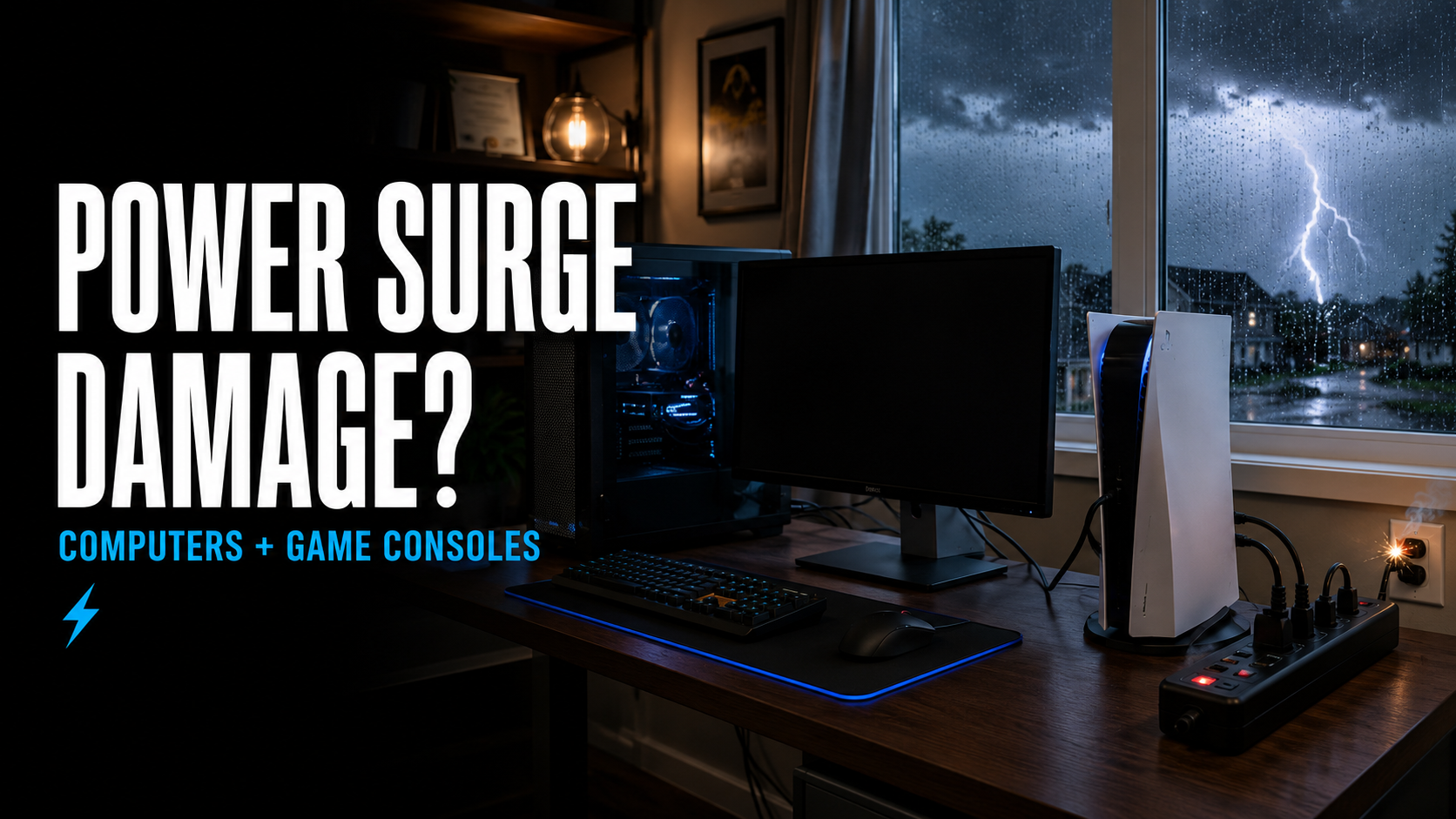
Can a Power Surge Damage Your Computer or Game Console?
Severe storms, lightning, power outages, and electrical problems can all place your electronics at risk. When electricity suddenly spikes above its normal level, the excess voltage may damage computers, televisions, game consoles, chargers, and other connected devices.
A power surge can cause immediate failure, but the effects are not always obvious. A computer or game console may continue working while experiencing crashes, charging problems, damaged ports, or unexpected shutdowns later.
Here is what Delaware customers should know about power surges and how they can affect their electronics.
What Is a Power Surge?
A power surge is a sudden increase in electrical voltage. It may last only a fraction of a second, but that brief spike can send more electricity into a device than its components were designed to handle.
Power surges can be caused by:
Lightning
Severe storms
Downed power lines
Utility switching
Power returning after an outage
Faulty wiring
Electrical-grid problems
Large appliances turning on and off
Problems with generators
Overloaded circuits
Not every surge is strong enough to destroy a device immediately. Smaller surges may gradually place stress on sensitive electronic components.
Can a Power Surge Damage a Computer?
Yes. Desktop computers and laptops contain many components that can be affected by unstable electricity.
A power surge may damage a computer’s:
Power supply
Motherboard
Charging circuit
Battery
Storage drive
Graphics card
Network port
USB ports
Monitor
Charger or power adapter
The power supply or charger may absorb the initial damage and prevent the computer from turning on. In other cases, excess voltage can travel farther into the system and damage the motherboard or other components.
A computer that appears completely dead after a storm may have a failed power supply, but it should be properly tested before parts are replaced.
Can a Power Surge Damage a PS5, Xbox or Nintendo Switch?
Game consoles are also vulnerable to electrical surges.
A surge may affect a console’s:
Internal power supply
Motherboard
HDMI circuitry
USB ports
Network port
Storage system
Charging dock
External power adapter
A PlayStation or Xbox may stop turning on completely, shut down during gameplay, or develop video-output problems. A Nintendo Switch may stop charging or fail to recognize its dock.
Because consoles are often connected to televisions, sound systems, routers, and external storage devices, damage may affect more than one component in the entertainment setup.
What Are the Signs of Power-Surge Damage?
Possible warning signs include:
The device will not turn on
No lights or sounds appear
The computer or console turns on and immediately shuts off
The device restarts unexpectedly
A burning smell is present
The power adapter or power supply makes unusual sounds
The television shows no signal
HDMI output no longer works
USB or network ports stop responding
The system freezes or crashes
The device only works intermittently
A circuit breaker trips when the device is connected
The charger no longer powers the device
These symptoms do not always confirm surge damage. A failed power supply, damaged HDMI port, overheating problem, or unrelated component failure may produce similar behavior.
A professional diagnostic is the best way to determine what failed.
Can a Device Still Work After a Power Surge?
Yes. Surge damage does not always cause immediate failure.
A computer or game console may appear to operate normally but later develop:
Random shutdowns
Startup problems
Charging issues
Display problems
Damaged ports
Network connection failures
Freezing or instability
Storage errors
Electrical stress may weaken a component without destroying it instantly. If a device begins behaving differently after a storm or outage, the timing may be important even if it still turns on.
What Should You Do After a Power Surge?
If you suspect a computer or game console was affected:
Turn the device off.
Disconnect it from the electrical outlet.
Disconnect HDMI, Ethernet, USB, and other cables.
Check for heat, smoke, unusual sounds, or a burning odor.
Do not repeatedly attempt to turn it on.
Do not open the power supply.
Have the device evaluated if it will not operate normally.
If you smell burning, see smoke, or notice melted components, stop using the device immediately.
Power supplies can retain dangerous electrical energy even after being unplugged. They should not be opened without proper training and equipment.
Should You Keep Trying to Turn the Device On?
Repeatedly attempting to power on a damaged computer or game console is not recommended.
If a damaged power supply is producing unstable output, repeated attempts may place additional stress on the motherboard and other components. A shorted component may also worsen when power is repeatedly applied.
One controlled test may help confirm that a problem exists, but continuously unplugging and reconnecting the device is unlikely to repair it.
Can Your Files or Saved Data Be Recovered?
Possibly. The answer depends on which components were damaged.
If a computer’s power supply or motherboard failed but the storage drive survived, documents, photos, and other files may still be recoverable. A technician may be able to access the drive separately or repair the computer enough to retrieve the information.
Data recovery becomes more difficult if the surge directly damaged the storage device.
Game saves may be stored on the console, synchronized with an online account, or located on external storage depending on the system and game. Repairing the original console may sometimes be necessary when important information is tied to its internal hardware.
If your data is important, explain that before approving repair work. Data recovery may need to be prioritized before additional testing or component replacement.
Does a Power Strip Protect Electronics?
A standard power strip and a surge protector are not necessarily the same thing.
A basic power strip may only provide additional outlets. It does not automatically protect connected devices from excess voltage.
A surge protector is specifically designed to divert or absorb certain electrical spikes. When purchasing one, look for a clearly labeled surge-protection rating rather than assuming every multi-outlet strip provides protection.
Surge protectors also do not last forever. Their protective components can weaken after repeated surges or one significant event. Some models include an indicator light showing whether protection is still active.
No consumer surge protector can guarantee protection from every electrical event, especially a nearby lightning strike.
Should You Use a UPS for a Computer?
A battery backup, also known as an uninterruptible power supply or UPS, can be useful for desktop computers and other important equipment.
A UPS may provide enough temporary power to:
Save open documents
Shut the computer down properly
Avoid sudden power loss
Reduce interruption during brief outages
Provide surge protection when included by the unit
The UPS must be correctly sized for the equipment connected to it. High-powered gaming computers and multiple monitors may require a unit with greater capacity.
A UPS should not be treated as permission to continue working through a severe electrical storm. Its main purpose is to provide time for a safe shutdown during an interruption.
What About Ethernet and HDMI Cables?
Electricity does not only enter electronics through the power cord.
A surge may travel through:
Ethernet cables
Coaxial cables
Telephone lines
HDMI connections
USB connections
Connected televisions and monitors
For example, a surge affecting a router or television may damage the network or HDMI circuitry in a connected computer or game console.
This is why multiple devices in the same setup may experience problems after one electrical event.
How Can You Protect Your Electronics During Delaware Storms?
You can reduce the risk of damage by:
Using a properly rated surge protector
Replacing old or damaged surge protectors
Using a UPS for important desktop computers
Avoiding overloaded outlets and extension cords
Disconnecting valuable electronics before severe storms when it is safe to do so
Unplugging equipment during an extended outage
Waiting for electrical service to stabilize before reconnecting devices
Keeping computers and consoles away from water
Having damaged or questionable wiring inspected by a qualified electrician
Considering whole-home surge protection installed by a licensed electrician
Never unplug electronics or touch electrical equipment if water is entering the room, outlets are sparking, or doing so would place you near a dangerous electrical condition.
Is Power-Surge Damage Repairable?
Sometimes.
Whether a computer or game console can be repaired depends on which components failed and how far the excess voltage traveled through the device.
Possible repairs may include:
Computer power-supply replacement
Laptop charger replacement
Charging-port repair
Motherboard diagnosis
Damaged component replacement
HDMI-circuit diagnosis
Game-console power-supply repair
Data recovery
Storage-drive replacement
A failed power supply may be relatively straightforward to replace. Motherboard-level damage can be more complex and may require advanced diagnostic or microsoldering work.
The repair should be compared with the age, condition, and replacement value of the device.
Professional Computer and Game Console Repair in Delaware
If your computer, PS5, Xbox, or Nintendo Switch stopped working after a storm, outage, or electrical surge, iColor can help determine what was damaged.
iColor has repaired devices since 2012. Our Middletown and Wilmington stores have earned more than 1,200 five-star reviews while maintaining a near-perfect 4.9-star rating.
Our technicians can diagnose no-power problems, unexpected shutdowns, damaged ports, power-supply failures, and other issues that may appear after an electrical event.
Visit iColor in Middletown or Wilmington for professional computer and game console diagnostics in Delaware.
If your electronics begin acting differently after a storm or power outage, stop repeatedly testing them and have the problem properly diagnosed.