
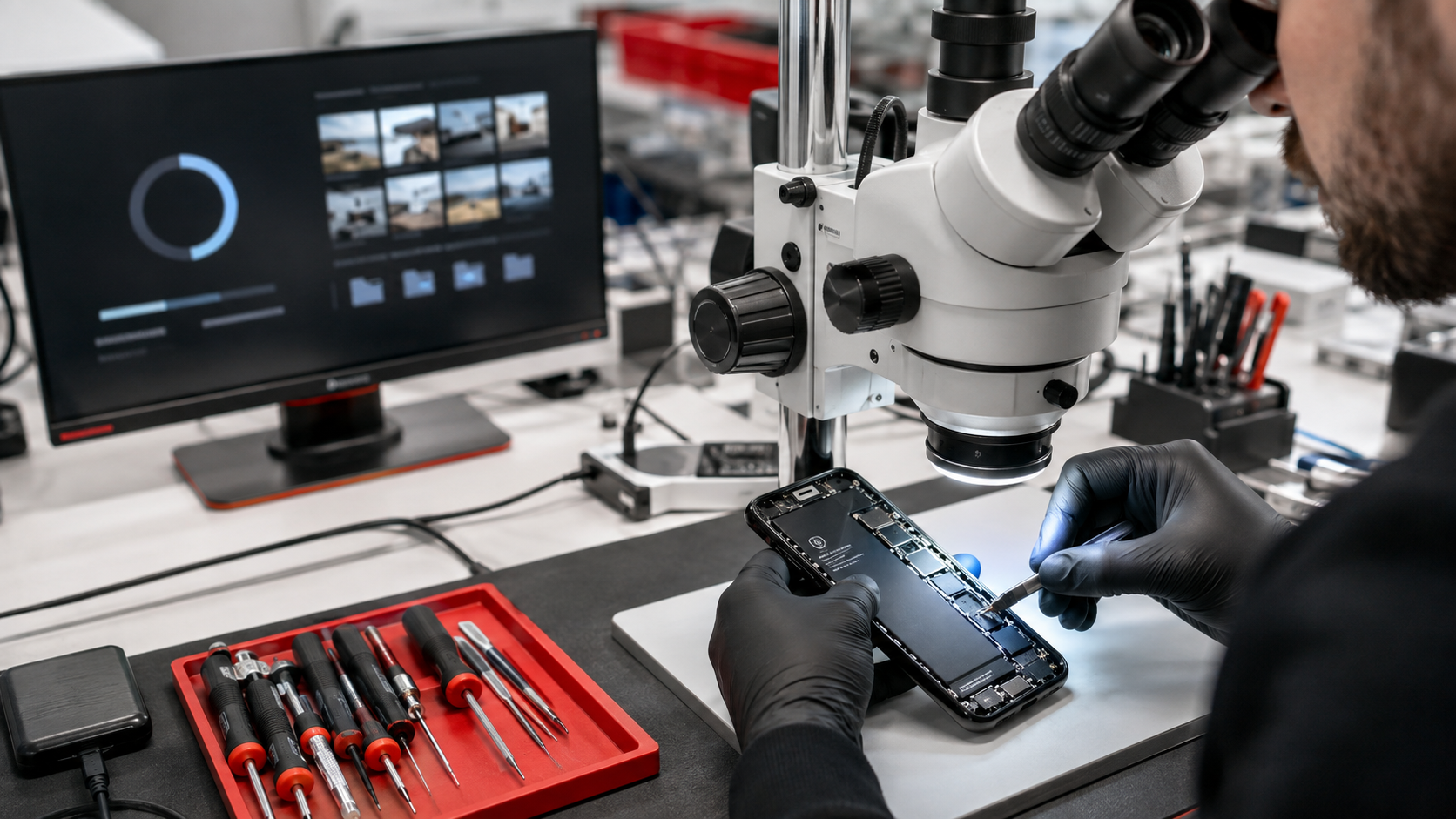
Can Data Be Recovered From an iPhone That Won’t Turn On?
If your iPhone will not turn on, you may be more worried about the photos, messages and other important files stored inside it than the phone itself. The good news is that a phone showing no signs of life does not automatically mean its data is gone.
In many cases, data can be recovered from an iPhone that will not power on. The chances of success depend on what caused the failure, the condition of the logic board and whether the data was already backed up to iCloud or a computer.
First, Check Whether Your Data Is Already Backed Up
Before attempting a physical recovery, check whether your information is already stored in iCloud. Sign in to your Apple Account from another device or visit iCloud.com to look for synced photos, contacts, notes and files.
You may also have an iCloud backup or a backup previously created with Finder, Apple Devices or iTunes. Apple allows an existing backup to be restored onto another iPhone. Keep in mind that synced iCloud content and a complete iPhone backup are not exactly the same, so check both when possible.
If the information you need is not backed up, the original iPhone may need to be repaired before its data can be accessed.
Why a Dead iPhone May Still Have Recoverable Data
An iPhone can appear completely dead for many reasons that do not erase its storage, including:
A failed battery
A damaged charging port
A broken screen that makes the phone appear off
Liquid damage or corrosion
A failed power-management component
Damage to the charging circuit
A short circuit on the logic board
Physical damage caused by a severe drop
If the phone's original logic board and critical components remain intact, a technician may be able to repair the device long enough to power it on, enter the passcode and create a backup.
How Data Recovery From a Dead iPhone Works
Modern iPhones encrypt the information stored inside them. The storage chip generally cannot simply be removed and read like a USB drive.
For that reason, professional iPhone data recovery usually focuses on carefully diagnosing and repairing the original device. Depending on the failure, this may involve replacing a damaged part or performing microsoldering work on the logic board.
The objective of a data-recovery repair is not always to make the iPhone perfect for everyday use. Sometimes the goal is simply to make it stable enough to unlock, connect to a trusted computer and copy or back up the important data.
Your passcode is normally required after the phone starts. A repair technician cannot bypass the iPhone passcode or Apple's security protections.
Can Photos Be Recovered From an iPhone That Won’t Turn On?
Potentially, yes. If iCloud Photos was enabled, your photos may already be available through your Apple Account. If the photos existed only on the phone, recovery may still be possible if the original logic board can be restored to working condition.
The same principle applies to locally stored videos, messages, voice memos, notes and app data. Whether a particular item can be recovered also depends on how that app stored or synchronized its information.
When Is iPhone Data Recovery Less Likely?
No repair shop can honestly guarantee data recovery before examining the device. Recovery becomes more difficult when:
The logic board is cracked, bent or severely burned
Critical paired components are destroyed or missing
The storage hardware is physically damaged
Corrosion has spread extensively across the board
The phone was repeatedly powered on after serious liquid exposure
Another repair attempt caused additional board damage
The passcode is unknown
Even in difficult cases, a professional diagnosis may determine whether a recovery attempt is worthwhile.
What Not to Do When the Data Matters
If your priority is recovering the information, avoid actions that could make the situation worse:
Do not select Restore. Restoring an iPhone erases its contents. Apple’s recovery-mode instructions distinguish between updating and restoring, and Restore should not be used when the only copy of your data may still be on the phone.
Do not repeatedly attempt to charge or power on a liquid-damaged phone. Electricity can accelerate damage when moisture or corrosion is present.
Do not place the phone in rice. Rice does not remove corrosion or repair damaged electronic components.
Do not keep experimenting with unverified repair methods. Heat, pressure and careless disassembly can turn a recoverable failure into permanent damage.
Do not replace or discard the original logic board. Your locally stored data is tied to the original hardware.
Tell the repair shop immediately that recovering the data is more important than restoring normal phone operation. That changes how the device should be approached.
Repairing the Phone vs. Recovering the Data
A standard repair is intended to return the device to reliable everyday use. A data-recovery repair has a narrower goal: regain temporary access to the original phone so its information can be secured.
In some cases, replacing a battery, screen or charging port solves both problems. With more serious board damage, a phone may be recoverable enough to create a backup but not economical or dependable enough to continue using afterward.
How Long Does iPhone Data Recovery Take?
The timeframe depends on the damage. A straightforward part failure may be diagnosed quickly, while liquid damage and logic-board faults can require detailed testing and microsoldering. Previous repair attempts can also add time because the technician must distinguish the original problem from any additional damage.
After recovery, the amount of data and the condition of the phone affect how long a complete backup or transfer takes.
Is iPhone Data Recovery Worth It?
That depends on the value of the information. Family photos, business records and memories that cannot be replaced may be far more valuable than the phone itself.
A reputable repair shop should explain the diagnostic process, likely outcome and cost before performing advanced work. Be cautious of anyone who promises guaranteed recovery without inspecting the phone.
iPhone Data Recovery in Delaware
iColor provides iPhone diagnostics, board-level repair and data-recovery services at our Middletown and Wilmington, Delaware locations. We work with phones that will not turn on, liquid-damaged devices, charging failures and other serious hardware problems.
If your iPhone contains important data, stop trying to power it on and bring it to iColor for an evaluation. Let our technicians know that the data is your main priority so we can take the safest appropriate approach.
Contact iColor or visit our Middletown or Wilmington location to have your iPhone evaluated.
Frequently Asked Questions
Can Apple recover data from an iPhone that will not turn on?
Apple can help you restore information from an existing iCloud or computer backup. If no backup exists, replacing the device or logic board does not retrieve locally stored data from the original phone. A specialist may need to repair the original hardware sufficiently to access it.
Can data be recovered without the iPhone passcode?
Generally, no. Modern iPhones use strong encryption, and the correct passcode is normally required to unlock and access the device after it powers on.
Will replacing the battery erase an iPhone?
A normal battery replacement does not erase the phone. However, any important device should be backed up whenever possible because every repair carries some risk.
Can data be recovered from a water-damaged iPhone?
Sometimes. Success depends on the extent and location of the corrosion or electrical damage. Stop attempting to charge the phone and have it inspected as soon as possible.
Does recovery mode delete iPhone data?
Entering recovery mode alone does not erase the phone, but choosing Restore does. If irreplaceable information is stored only on the device, seek professional guidance before proceeding.