
Is It Worth Replacing an iPhone Battery?
If your iPhone no longer lasts through the day, shuts off unexpectedly, or needs to be charged constantly, you may assume it is time to buy a new phone. In many cases, the iPhone is still perfectly usable and simply needs a new battery.
Replacing an aging battery is often one of the most affordable ways to improve an iPhone’s reliability and extend its usable life. Whether it is worth doing depends on the condition of the battery, the age of the phone, and whether the device has any other major problems.
Here is what you should consider before replacing your iPhone.
Why Do iPhone Batteries Wear Out?
iPhones use rechargeable lithium-ion batteries. These batteries are designed to be charged hundreds of times, but their capacity gradually decreases with age and use.
As the battery wears down, it can no longer store as much energy as it did when it was new. The iPhone may need to be charged more frequently and may struggle to provide enough power during demanding tasks.
Battery aging is normal and does not necessarily mean anything else is wrong with the phone. Heat, usage, charging cycles, and the age of the device can all affect how quickly the battery degrades.
What Are the Signs of a Failing iPhone Battery?
An iPhone battery may need to be replaced if you notice:
The battery drains much faster than it used to
The phone no longer lasts through the day
The battery percentage suddenly drops
The iPhone shuts off with charge remaining
The phone only stays on while connected to a charger
The device feels slower than it previously did
Charging takes longer than expected
The iPhone becomes unusually warm during normal use
A battery service message appears
Battery Health shows significantly reduced capacity
One symptom does not always confirm that the battery has failed. Applications, software, poor cellular reception, screen brightness, and other settings can also increase power consumption.
A professional diagnostic can help determine whether the battery is actually causing the problem.
How Do You Check Your iPhone’s Battery Health?
On many iPhone models, you can view battery information by opening:
Settings > Battery > Battery Health & Charging
This section may display:
Maximum Capacity
Peak Performance Capability
Battery service recommendations
Charging optimization options
Maximum Capacity estimates how much charge the battery can currently hold compared with when it was new. As that percentage decreases, the phone will generally run for less time between charges.
Battery Health is helpful, but it does not always tell the entire story. A battery may still have a problem if the phone shuts off unexpectedly, becomes unusually hot, or displays sudden changes in its charge percentage.
The way the phone actually performs should be considered along with the displayed battery-health information.
What Can Improve After an iPhone Battery Replacement?
When an aging battery is the source of the problem, replacing it may improve:
Time between charges
Unexpected shutdowns
Battery-percentage accuracy
Everyday reliability
Performance affected by battery degradation
The amount of time you can continue using the phone
A battery replacement will not make an older iPhone identical to a new model. It also will not correct unrelated problems such as a damaged charging port, liquid damage, software issues, or a failing motherboard.
However, if the battery is the main issue, replacing it can make the phone much more practical and dependable.
Is It Cheaper to Replace the Battery or Buy a New iPhone?
Replacing the battery is generally much more affordable than purchasing another iPhone.
A new phone may cost hundreds or even more than a thousand dollars depending on the model and storage capacity. It may also require you to transfer your information, sign back into accounts, configure applications, and replace accessories that are no longer compatible.
Battery replacement allows you to keep:
The phone you already own
Your existing applications and settings
Your current accessories
A device you already know how to use
More money in your pocket
If you are satisfied with the phone’s camera, storage, speed, and features, a new battery may provide far better value than upgrading simply because the charge no longer lasts.
When Is Replacing an iPhone Battery Worth It?
Battery replacement is usually worth considering when:
The iPhone is otherwise in good condition
The battery is the primary problem
The phone still performs well for your needs
The camera and storage are adequate
The device still supports the applications you use
The repair costs considerably less than another phone
You want to keep the iPhone for another year or longer
You plan to give the phone to a family member
You want to keep it as a reliable backup device
A dependable battery can make an older iPhone useful for much longer than many people expect.
When Might Battery Replacement Not Be Worth It?
Battery replacement may not be the best investment if the iPhone has several other serious or expensive problems.
Replacing the phone may be more practical when:
The screen and back glass are severely damaged
The frame is bent
The phone has extensive liquid damage
The motherboard is failing
The device frequently crashes for reasons unrelated to the battery
Important applications no longer support the iPhone
The phone does not have enough storage for your needs
Several necessary repairs would approach the cost of a better replacement device
A professional evaluation can help you understand the phone’s overall condition before you invest in a battery.
Is the Battery Definitely Causing the Problem?
Fast battery drain does not always mean the physical battery needs to be replaced.
Other possible causes include:
Applications running in the background
Poor cellular reception
High screen brightness
Location services
Account synchronization
Recent software changes
A damaged charging port
A worn or low-quality charging cable
A defective power adapter
Internal motherboard problems
If the battery health appears normal but the phone loses power extremely quickly, further diagnosis may be needed.
Replacing parts without identifying the cause can lead to unnecessary expense without solving the original problem.
What if the iPhone Battery Is Swollen?
A swollen battery requires immediate attention.
Possible warning signs include:
The screen lifting away from the frame
A gap forming around the edge of the phone
Bright pressure marks appearing on the display
The phone rocking when placed on a flat surface
The device appearing thicker than normal
Unusual heat or odor
Do not press the screen back into place, puncture the battery, or continue charging the device. Stop using the iPhone and have it professionally evaluated.
A swollen lithium-ion battery can be dangerous if it is bent, crushed, punctured, or improperly handled.
Will Replacing the Battery Erase Your Data?
A standard iPhone battery replacement should not erase your photos, contacts, messages, applications, or other stored information.
Your data is stored separately from the battery. However, maintaining a current backup is always a good precaution before any electronic-device repair, especially if the phone has impact, liquid, or motherboard damage.
Why Does Professional Battery Installation Matter?
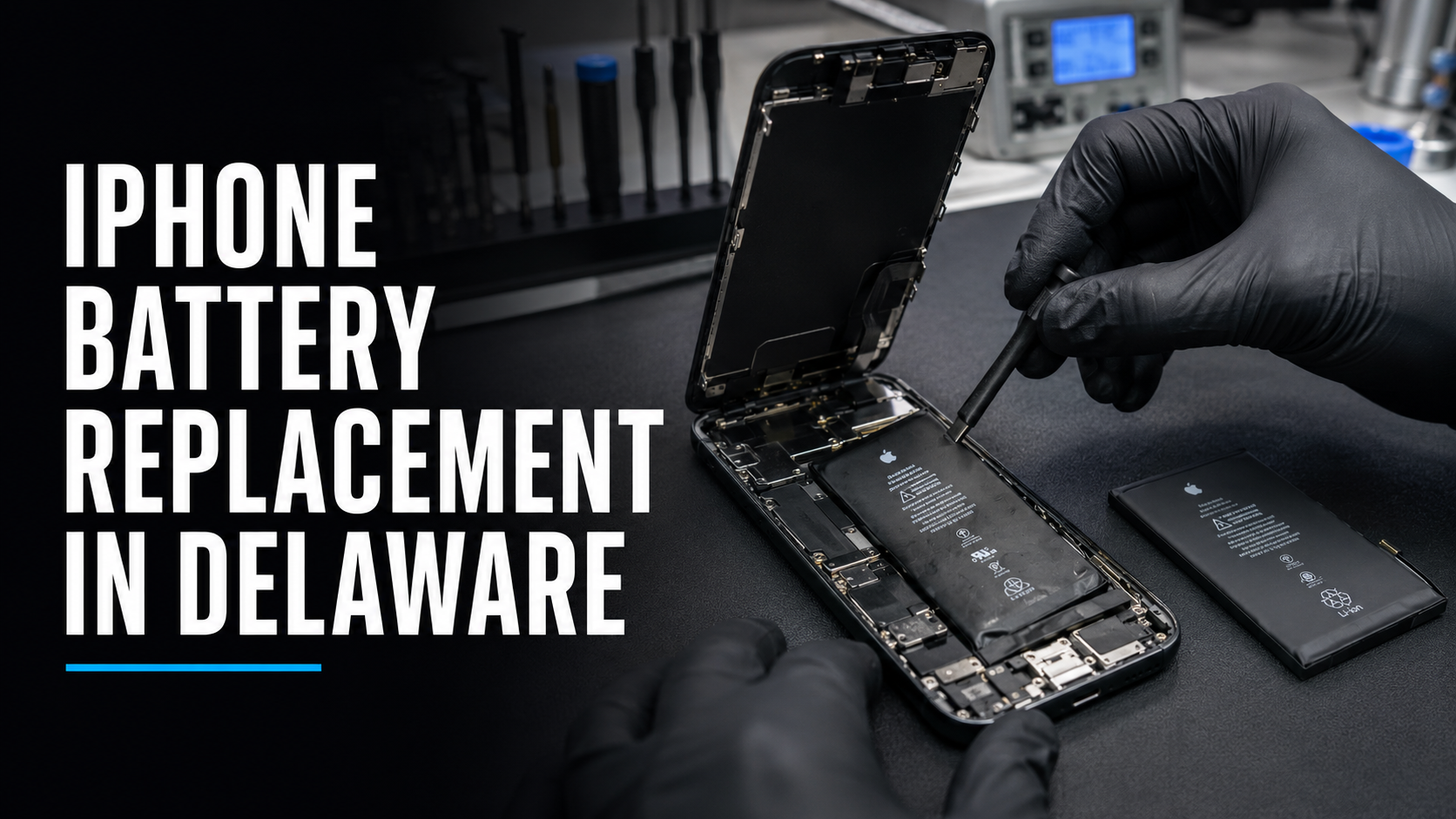
Replacing an iPhone battery requires the phone to be carefully opened. Internal cables, sensors, the display, wireless-charging components, and the battery itself can be damaged if the repair is performed incorrectly.
An improperly completed battery replacement may result in:
A damaged screen
Torn internal cables
A punctured battery
Missing or improperly installed shields
Poorly applied adhesive
Charging problems
Power problems
Damage to nearby components
Lithium-ion batteries must be handled carefully. A trained technician has the proper tools and experience to remove the old battery and install the replacement safely.
How Long Does an iPhone Battery Replacement Take?
Turnaround time depends on the iPhone model, replacement-battery availability, current repair volume, and the condition of the device.
Many battery replacements can be completed relatively quickly when the correct part is available. Additional time may be required if the phone has:
A swollen battery
A damaged screen
Stripped or missing screws
Liquid exposure
Frame damage
Evidence of a previous unsuccessful repair
The iPhone should be inspected before a realistic turnaround estimate is provided.
Can a New Battery Extend the Life of an Older iPhone?
Yes. If the rest of the device is functioning properly, a new battery may allow you to continue using an older iPhone for another year or longer.
Extending the life of your current phone can also reduce electronic waste and delay the cost of an unnecessary upgrade.
A battery replacement can be especially valuable if the phone is going to be:
Used by a child or family member
Kept as an emergency backup
Used for work
Traded in later
Used for travel
Kept until a future iPhone model is released
The phone does not have to be your primary device for a reliable battery to be worthwhile.
Professional iPhone Battery Replacement in Delaware
If your iPhone drains quickly, shuts off unexpectedly, or no longer lasts through the day, iColor can help determine whether the battery needs to be replaced.
iColor has been repairing devices since 2012. Our Middletown and Wilmington stores have earned more than 1,200 five-star reviews while maintaining a near-perfect 4.9-star rating.
Our experienced technicians will inspect the iPhone, explain what may be causing the problem, and help you decide whether replacing the battery makes financial sense.
Visit iColor in Middletown or Wilmington, Delaware, for professional iPhone battery diagnosis and replacement.
Before spending money on a new phone, find out whether a new battery can give your current iPhone more life.