
Can a Broken Laptop Screen Be Replaced?
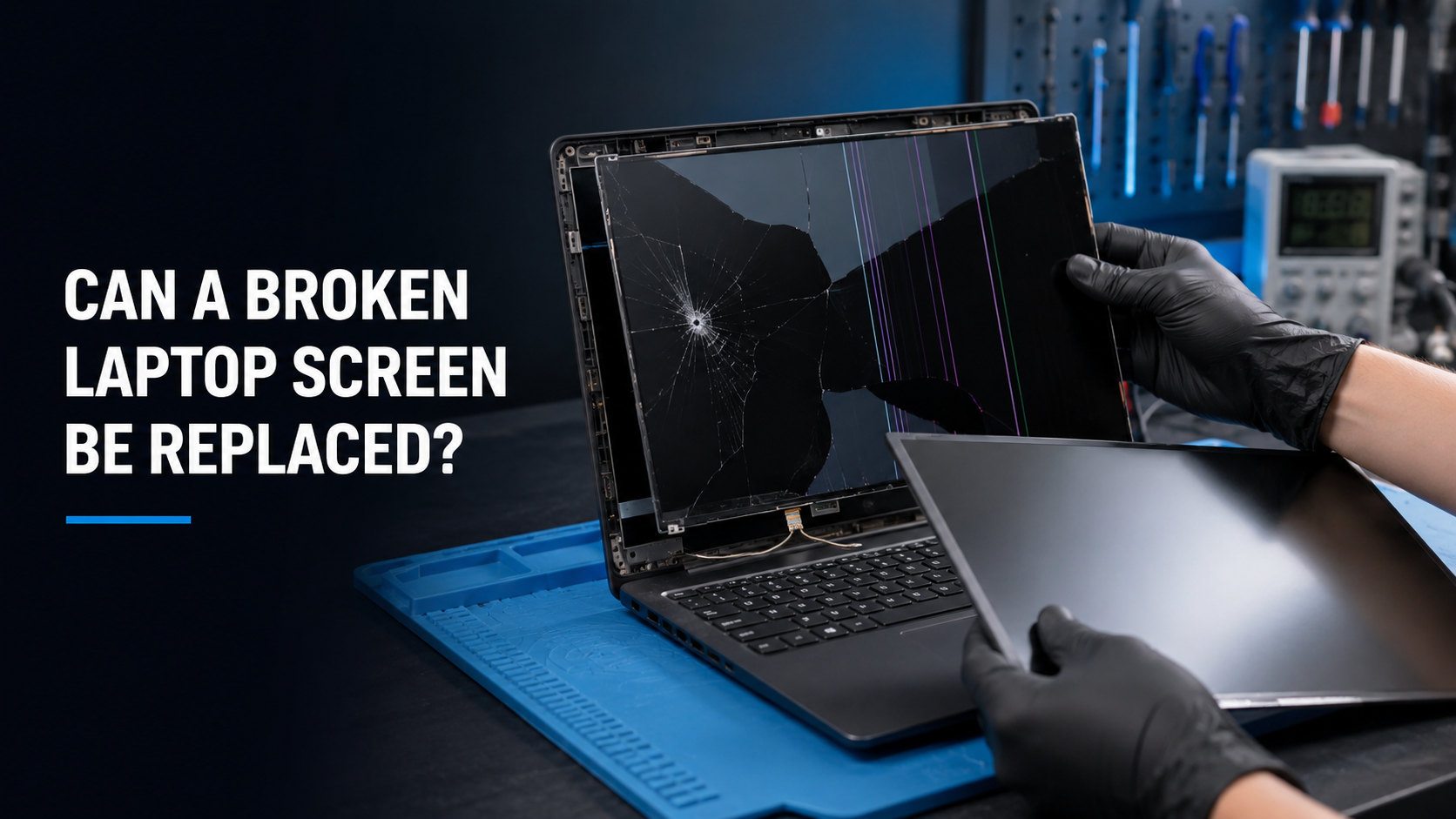
A cracked or damaged laptop screen can usually be replaced without replacing the entire computer. Whether the glass is visibly broken, the picture is distorted, or the display no longer turns on, a professional screen replacement can often restore the laptop to proper working condition.
At iColor, we replace damaged laptop screens at our Middletown and Wilmington, Delaware locations. We service many popular brands, including Dell, HP, Lenovo, Acer, ASUS, Microsoft, Samsung, and others.
What Are the Signs of a Broken Laptop Screen?
Laptop screen damage is not always limited to visible cracks. You may need a screen replacement if you notice:
Cracked or shattered glass
Black spots that resemble ink
Vertical or horizontal lines
Flickering or flashing
Discolored areas
A completely white or black screen
Part of the screen no longer displaying an image
An image that appears only when the screen is held at a certain angle
Damage that spreads over time
A display that works on an external monitor but not on the laptop screen
Even a small crack can eventually spread across the display. Continuing to close, carry, or place pressure on the laptop may cause the damage to worsen.
Does the Entire Laptop Need to Be Replaced?
Usually, no. The screen is a replaceable component on most laptops. If the computer is otherwise working properly, replacing the damaged display can be considerably more affordable than purchasing a new laptop.
However, screen replacement may not be the best choice for every computer. The laptop’s age, overall condition, replacement-screen cost, and value should all be considered. At iColor, we can evaluate the laptop and help you determine whether repairing it makes financial sense.
How Much Does Laptop Screen Replacement Cost?
The cost of replacing a laptop screen varies because laptops use many different types of displays. An exact quote requires the laptop’s model number and, in some cases, inspection of the original screen.
Factors that affect the price include:
Laptop brand and model
Screen size
Display resolution
Standard LCD or OLED technology
Touchscreen capability
Refresh rate
Connector type and placement
Screen availability
Damage to the lid, hinges, bezel, or display cable
A basic non-touch laptop display may cost much less to replace than a high-resolution touchscreen, gaming display, OLED panel, or complete display assembly.
Be cautious with repair quotes provided without identifying the exact laptop model. Two laptops that look nearly identical can require entirely different screens.
Can Just the Glass Be Replaced?
On many laptops, the visible display panel and its outer layers are manufactured as one component. If the screen is cracked, the complete display panel is typically replaced rather than only the outer glass.
Touchscreen laptops may use a separate digitizer, a bonded display assembly, or a complete upper-lid assembly. The correct repair depends on how that specific laptop was manufactured.
What If the Screen Is Black but Not Cracked?
A black laptop screen does not automatically mean the display panel has failed. Other possible causes include:
A damaged display cable
Loose internal connection
Backlight failure
Faulty graphics hardware
Motherboard damage
Memory or startup problems
Software or operating-system issues
If the laptop displays normally on an external monitor, the problem may be related to the internal screen, display cable, or backlight. Professional diagnosis can determine which component is actually causing the problem.
Replacing a screen without confirming the source of the failure can lead to an unnecessary repair.
Can a Laptop Screen Be Repaired After Hinge Damage?
Often, but the screen may not be the only damaged component.
A broken or stiff hinge can place significant pressure on the screen, lid, bezel, display cable, and mounting points. If the laptop makes cracking sounds or the casing separates when you open it, stop opening and closing the computer.
Depending on the damage, the repair may require:
Screen replacement
Hinge replacement
Lid or back-cover replacement
Bezel replacement
Palm-rest or lower-case repair
Display-cable replacement
Replacing only the screen without correcting damaged hinges or mounting points could cause the new display to break.
Will Replacing the Screen Erase My Files?
A normal laptop screen replacement should not erase your files. Your documents, photos, programs, and other information are stored on the computer’s internal drive rather than the display.
However, keeping a current backup of important data is always recommended before any repair. If the laptop experienced a major impact, other internal components may also have been affected.
How Long Does Laptop Screen Replacement Take?
Turnaround time depends primarily on the availability of the correct replacement screen. Some common laptop screens may be available quickly, while specialized displays or complete assemblies may need to be ordered.
Once the correct part is available, the installation itself can often be completed relatively quickly. Additional time may be needed if the laptop has damage to its hinges, casing, display cable, or motherboard.
Can You Use Any Screen With the Same Size?
No. Screen size alone does not determine compatibility.
Two 15.6-inch screens may use different connectors, mounting points, resolutions, refresh rates, touch capabilities, power requirements, or connector locations. Installing the wrong screen may result in no picture, improper fitment, limited functionality, or damage.
The replacement display should be matched to the laptop’s exact model and original screen specifications.
Is Replacing a Broken Laptop Screen Worth It?
Screen replacement is often worthwhile when:
The laptop is still relatively new
It performs well for your needs
Your programs and files are already configured
The repair costs considerably less than a comparable replacement
The rest of the computer is in good condition
If the laptop is very old, has multiple problems, or requires an unusually expensive display, replacement may be the more practical option. A professional estimate allows you to compare the repair cost with the price of purchasing and setting up another computer.
Professional Laptop Screen Replacement in Delaware
If your laptop screen is cracked, flickering, showing lines, or no longer displaying an image, bring it to iColor for an evaluation.
Our technicians can identify the correct replacement display, inspect the laptop for additional damage, and provide a repair estimate based on the exact model. We service laptops at our Middletown and Wilmington, Delaware locations.
Before replacing the entire computer, let iColor determine whether a professional screen replacement can restore the laptop and save you money.
For professional laptop screen replacement in Delaware, trust the experienced technicians at iColor.