
Why Is My PS5 Overheating and Shutting Off?
Is your PlayStation 5 becoming extremely hot, displaying temperature warnings, or suddenly shutting off while you are playing? These problems should not be ignored.
A PS5 may shut itself down when it becomes too hot to operate safely. This protective feature helps prevent permanent damage, but repeated overheating can place unnecessary stress on the console’s internal components.
At iColor, we diagnose and repair PS5 overheating and unexpected shutdown problems at our Middletown and Wilmington, Delaware locations.
Common Signs That Your PS5 Is Overheating
Your PS5 may have an overheating problem if you notice any of the following:
The console suddenly shuts off during gameplay
A temperature warning appears on the screen
The fan becomes unusually loud
The console feels extremely hot
Games begin freezing or crashing
The system shuts down when playing demanding games
The PS5 will not turn back on until it cools down
The console turns off without displaying a warning
You have to unplug and reconnect the power cord before it will restart
A PS5 that shuts down repeatedly is telling you that something is wrong. Continuing to restart and operate it without addressing the cause may make the problem worse.
What Causes a PS5 to Overheat?
Several different problems can cause a PS5 to run too hot or shut off unexpectedly.
Dust and Debris Buildup
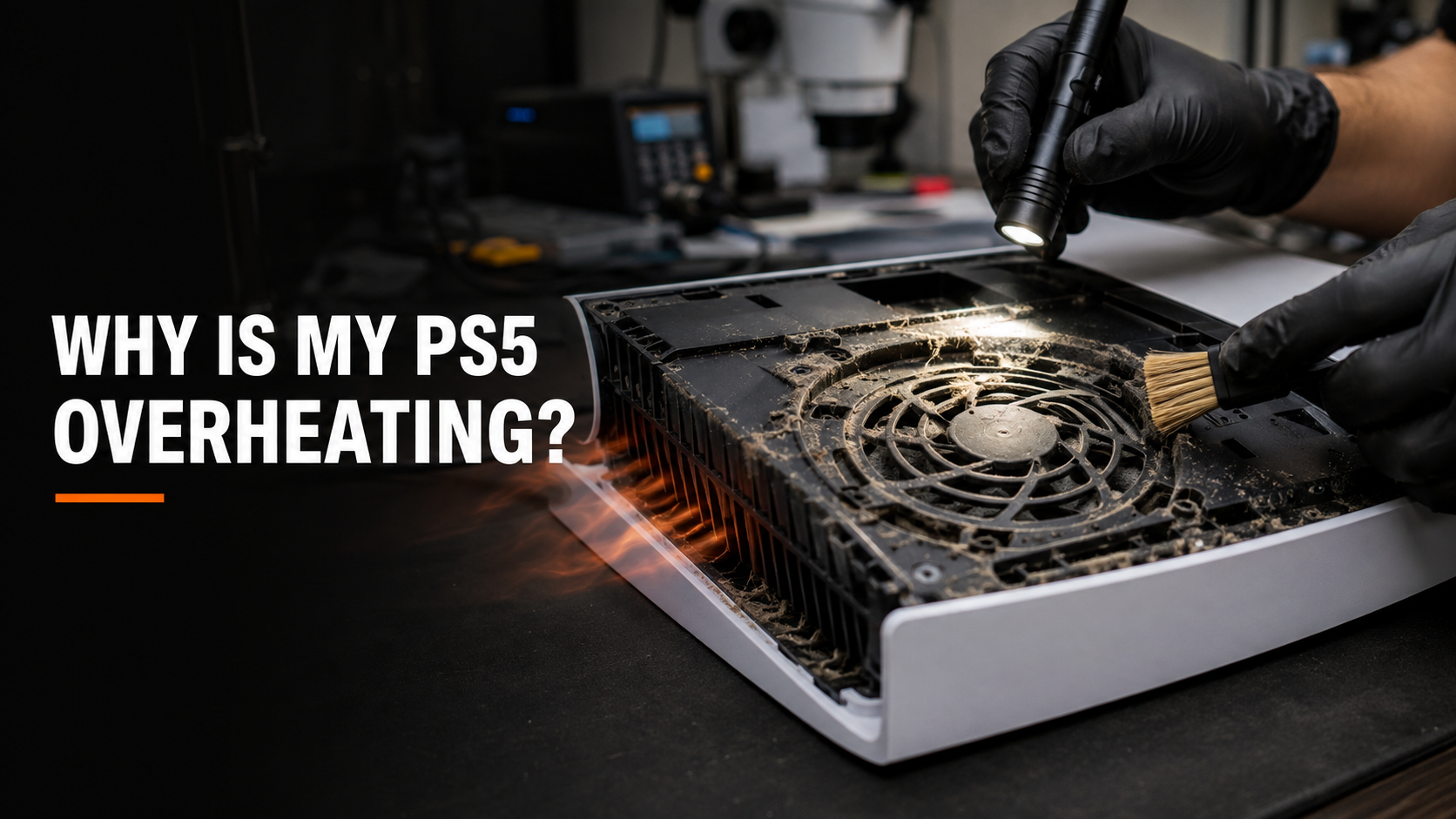
As the PS5 pulls air through its cooling system, it also collects dust, pet hair, and other debris. Over time, this material can restrict airflow and prevent heat from escaping properly.
Dust may build up around the fan, heatsink, ventilation openings, and power supply. Even if the exterior vents look relatively clean, significant debris can still be trapped deeper inside the console.
Blocked Airflow
A PS5 needs adequate space around its vents to release heat. Placing the console inside a tightly enclosed entertainment center, directly against a wall, on thick carpet, or near another heat-producing device can restrict airflow.
The PS5 should be positioned on a hard, stable surface with open space around its ventilation areas.
A Clogged Power Supply
Some PS5 consoles shut off suddenly without displaying an overheating warning. This can happen when dust blocks the ventilation openings around the internal power supply.
As the power supply temperature rises, the console may completely shut down under load. This often occurs during graphically demanding games because the system requires more power and produces more heat.
Cooling Fan Problems
The internal fan is responsible for moving air through the PS5. If the fan is damaged, obstructed, disconnected, or no longer spinning at the correct speed, the console may not receive enough cooling.
A fan problem can sometimes cause unusual noises, although a failing or disconnected fan may also be unusually quiet.
Liquid Metal or Heat-Transfer Problems
The PS5 uses liquid metal between its processor and heatsink to transfer heat. If the thermal interface is no longer making proper contact, the processor may develop hot spots even when the fan and vents appear clean.
Servicing liquid metal requires experience and careful handling. Improper application can create cooling problems or damage the motherboard.
Internal Hardware Failure
Not every unexpected shutdown is caused by overheating. A failing power supply, damaged motherboard component, electrical short, or software-related problem may create similar symptoms.
A proper diagnostic is important because cleaning the console will not correct an unrelated hardware failure.
Why Does My PS5 Only Shut Off During Certain Games?
Some games place greater demands on the PS5’s processor, graphics hardware, and power supply. This creates more heat and requires the cooling system to work harder.
A console with restricted airflow or internal dust buildup may appear to work normally on the home screen, while streaming video, or when playing less demanding games. It may then shut off after a short time when a more intensive PS5 game is launched.
This does not necessarily mean the game is defective. The game may simply be revealing a cooling or power problem that is already developing inside the console.
Can You Clean a PS5 at Home?
Light exterior maintenance can be performed carefully at home. You can turn the console off, unplug it, and remove dust from accessible exterior vents without forcing debris deeper inside.
However, blowing compressed air through the outside of the console may move dust around without removing the buildup trapped near the heatsink or power supply. A household vacuum, excessive air pressure, liquids, or improper disassembly can also damage the console.
A thorough internal cleaning requires the PS5 to be carefully disassembled so the fan, heatsink, ventilation pathways, and power-supply intake can be properly inspected and cleaned.
Will Cleaning Fix a PS5 That Keeps Shutting Off?
Cleaning can fix the problem when dust and restricted airflow are causing the console to overheat. However, it is not a guaranteed solution for every shutdown problem.
The console may also need:
Fan replacement
Power-supply repair or replacement
Liquid-metal service
Motherboard repair
Additional diagnostic testing
At iColor, we inspect the console to determine why it is shutting off instead of assuming that every PS5 needs the same service.
Can Repeated Overheating Damage a PS5?
Yes. Repeated exposure to excessive heat can place stress on the processor, power supply, motherboard, and nearby components. Sudden power loss can also interrupt game saves, updates, or system processes.
If your PS5 displays a temperature warning or repeatedly shuts itself off, stop using it until the cause can be identified. Allowing it to cool down and turning it back on may temporarily restore operation, but it does not solve the underlying problem.
How Can You Help Prevent PS5 Overheating?
A few simple precautions can reduce the amount of heat and dust inside your console:
Keep the PS5 in an open, well-ventilated area
Leave space around the vents
Place it on a hard and stable surface
Avoid thick carpet and enclosed cabinets
Keep the surrounding area clean
Do not smoke or vape near the console
Check for excessive dust and pet hair
Do not continue using the console after repeated shutdowns
Preventive cleaning may also help maintain proper airflow before the buildup becomes severe enough to cause performance problems.
Professional PS5 Overheating Repair in Delaware
If your PS5 is overheating, running loudly, or shutting off while you play, iColor can help. Our technicians service PlayStation 5 consoles at our Middletown and Wilmington, Delaware locations.
We can inspect the cooling system, remove internal dust buildup, check the fan and power supply, and diagnose additional hardware problems that may be causing the shutdowns.
Bring your console to iColor for a professional evaluation. We will identify the likely cause and clearly explain your repair options before proceeding.
Do not wait for repeated overheating to cause a more serious problem. Trust iColor for professional PS5 cleaning, diagnostics, and repair in Delaware.